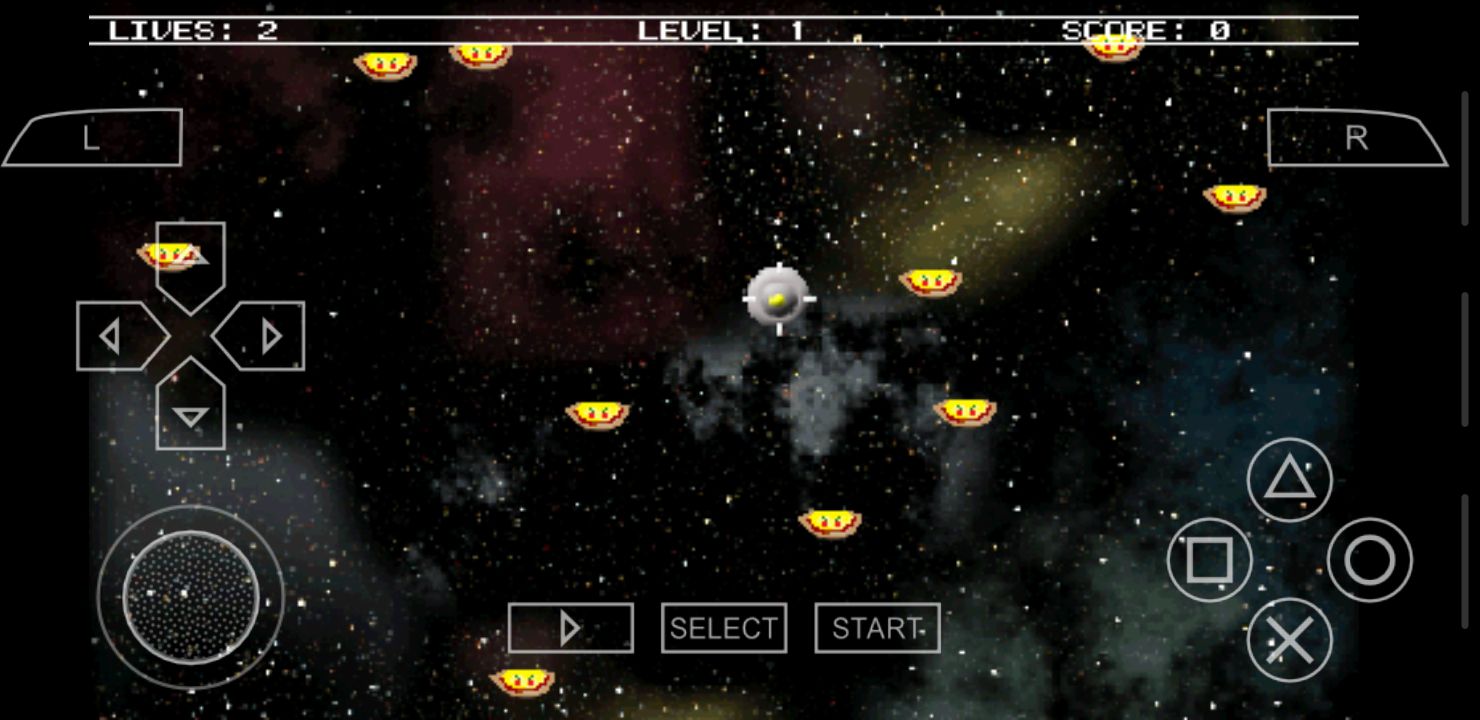
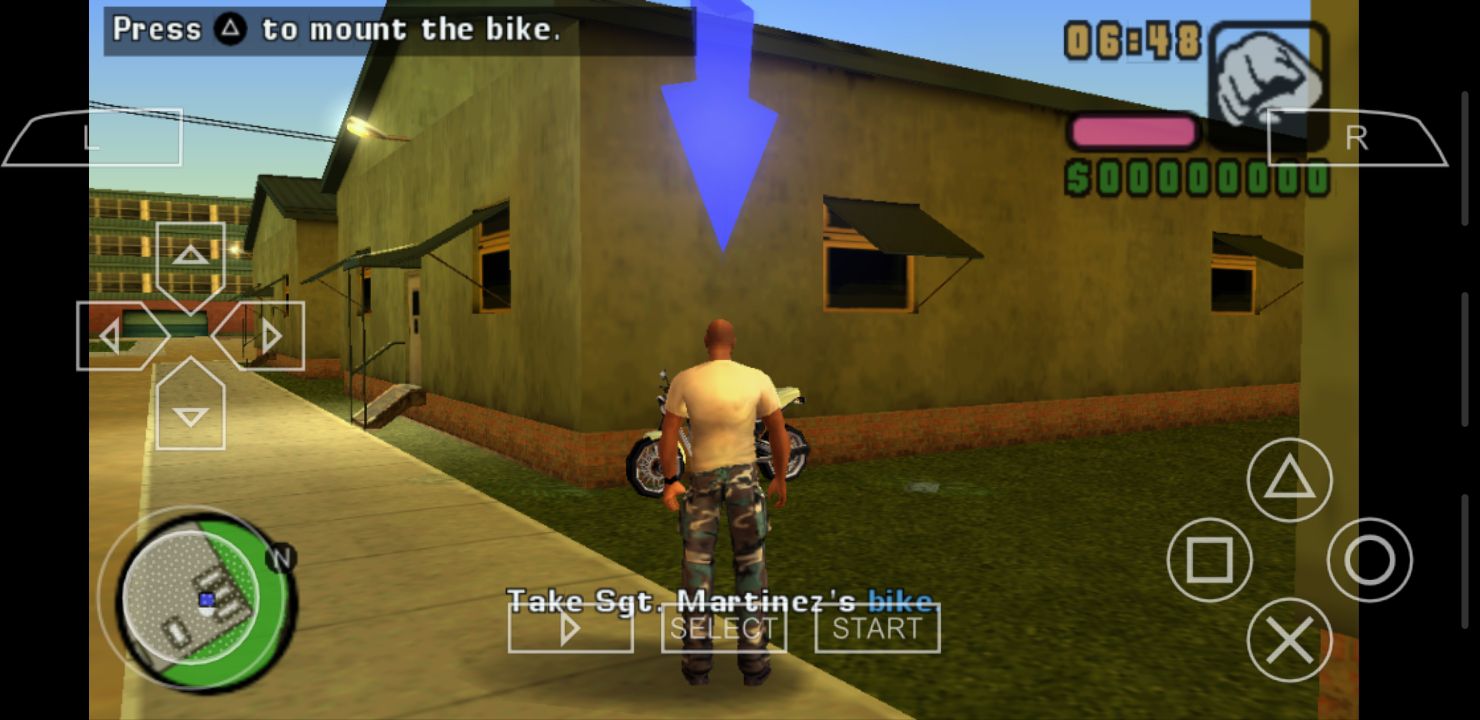
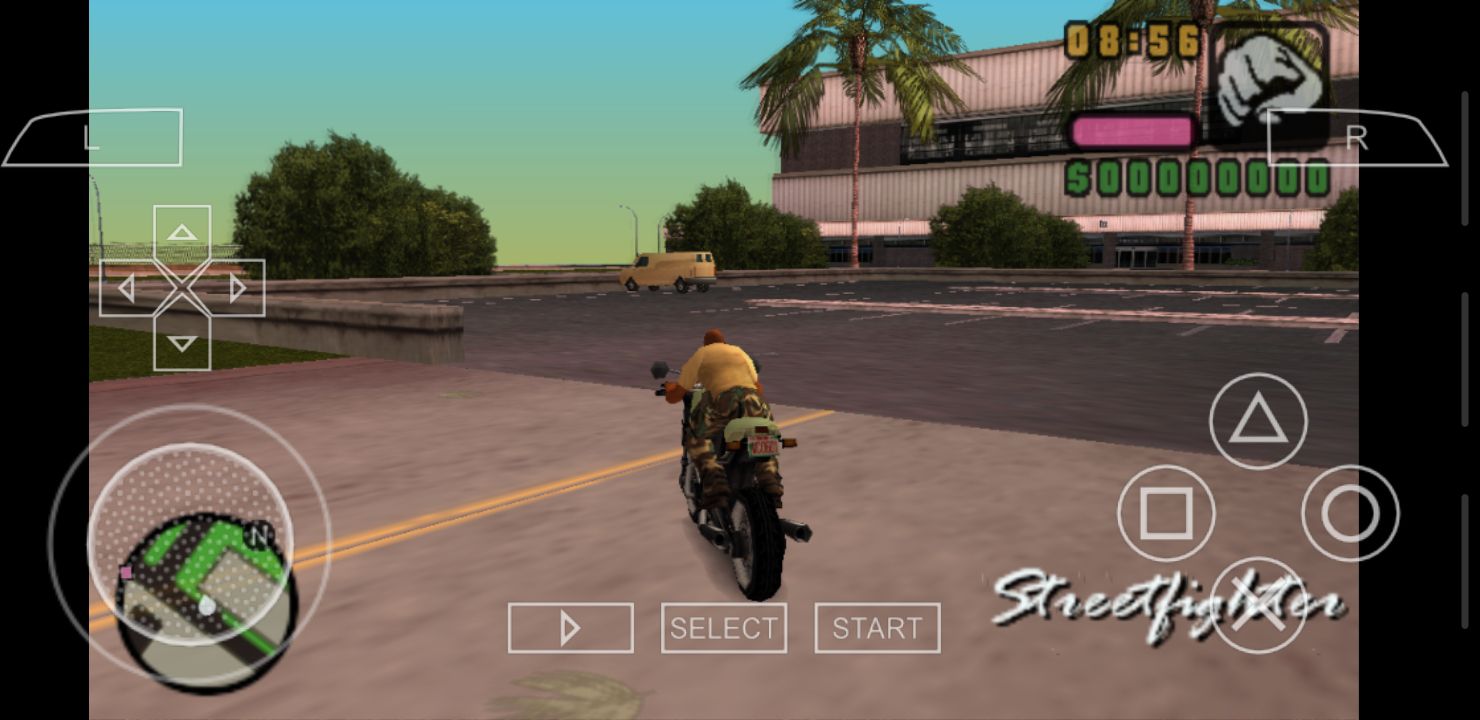
Emulators for Android enable you to run games from other platforms directly on your smartphone. Naturally, your phone's hardware specifications need to be higher than the specs of the console you want to emulate, which also heavily depends on the specific game you want to run. Emulating PSP games on Android is an extremely popular choice, and this emulator is exactly how you do it.
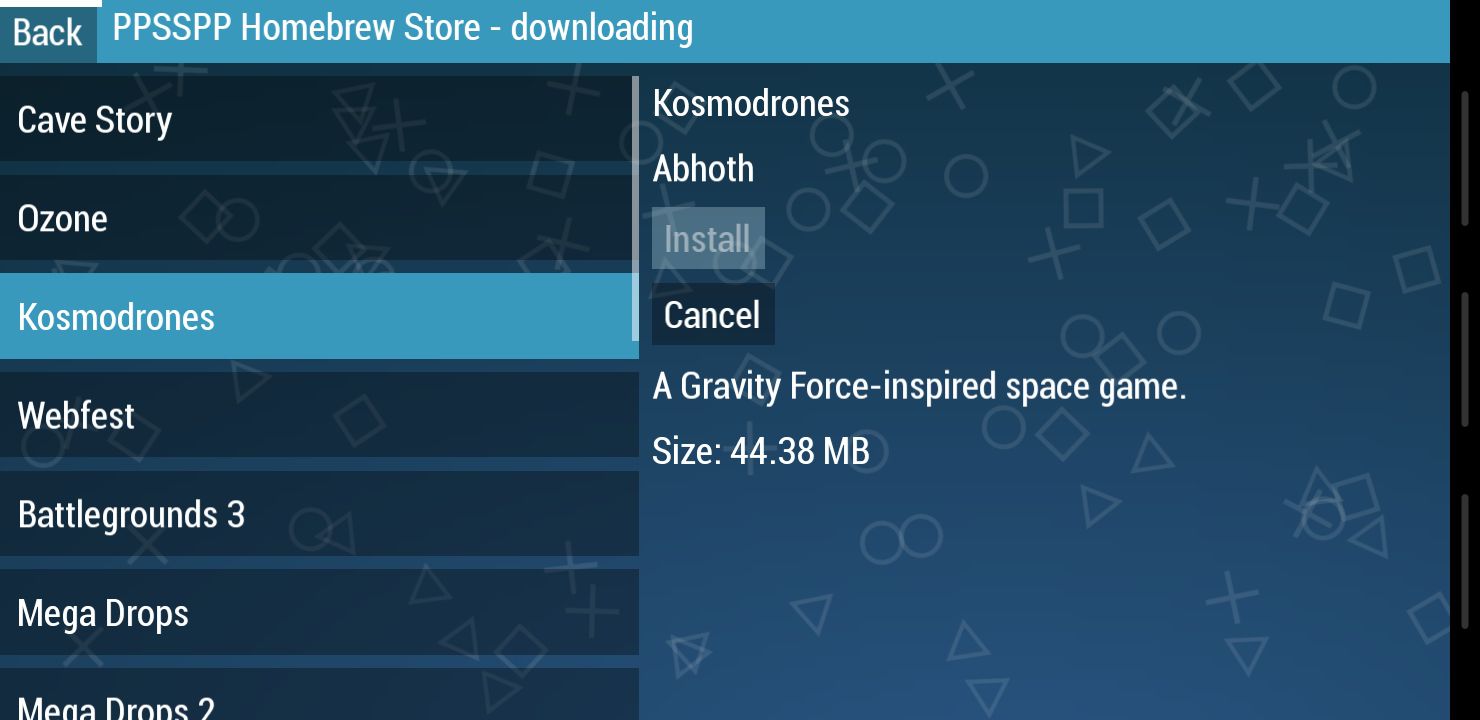
PPSSPP is a dedicated Android app used to emulate PSP games. As expected, it doesn't include any commercial titles out of the box, meaning the only way to play is to transfer your own legally obtained PSP ROM files to your phone's storage. You can also download user-created games directly from the built-in PPSSPP Homebrew Store, though these indie titles usually aren't the primary reason to install the emulator.
Getting games and setting up
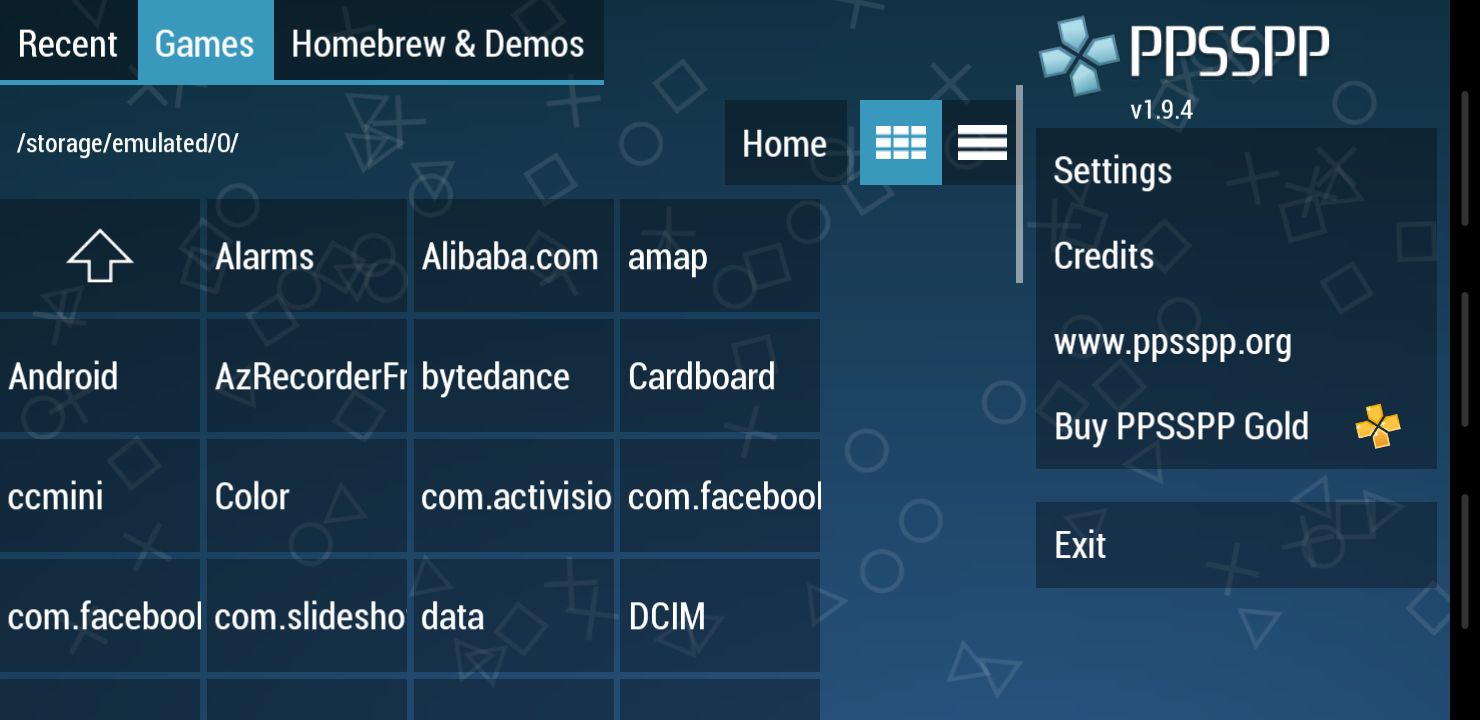
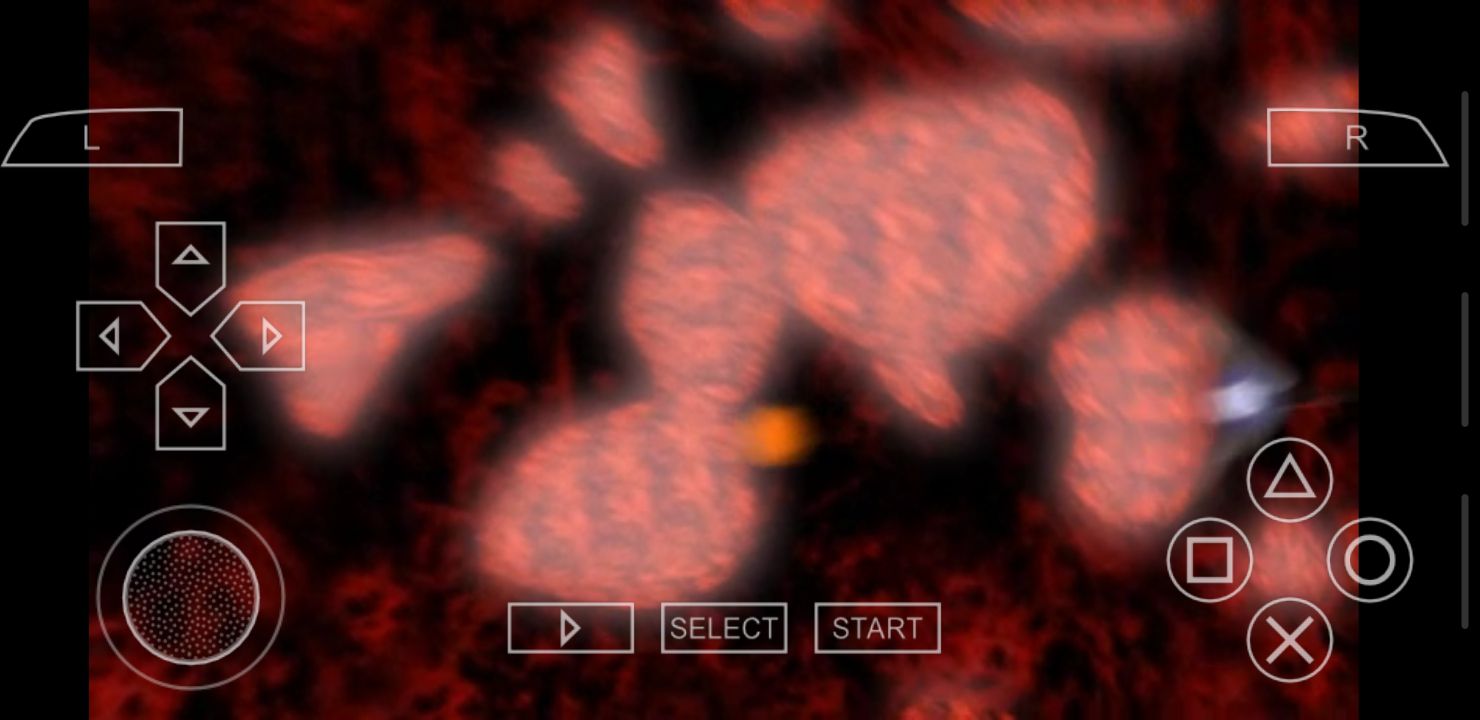
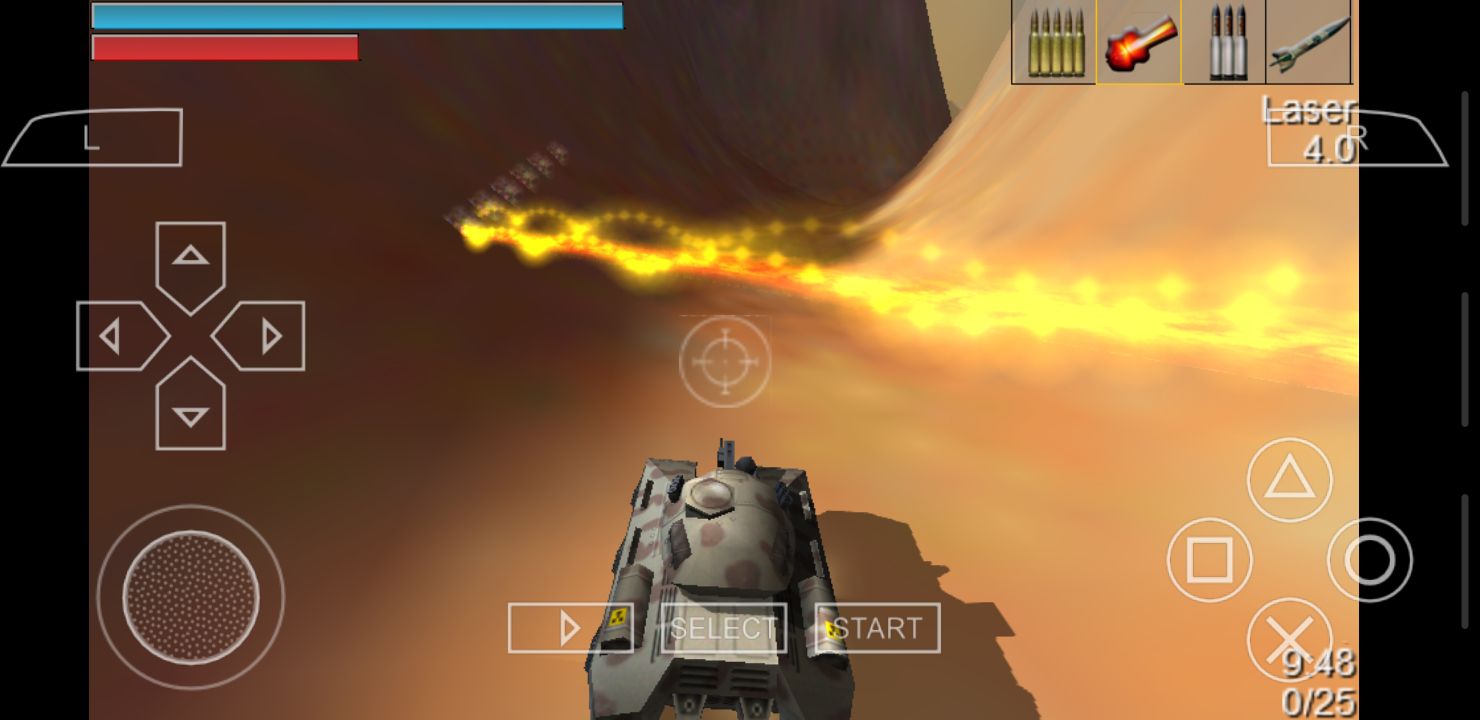
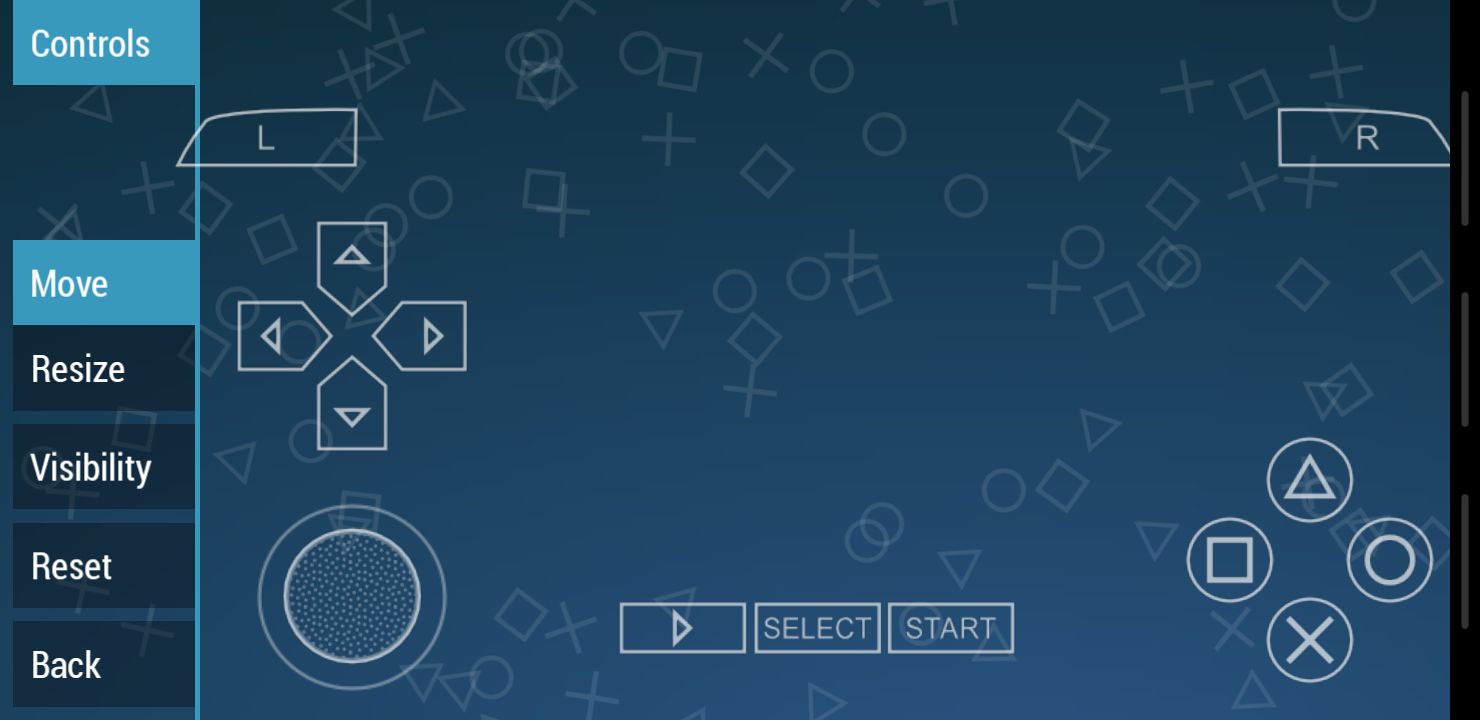
Once you have your PSP ROMs, simply transfer them to your device and use the app's built-in file explorer to locate them. The emulator features a virtual on-screen layout that includes all the buttons from the original handheld, and it's quite easy to use. Inside the settings menu, you can fully move, resize, and customize these touch controls. While some other Android emulators require you to manually hunt down BIOS files and configure complex plugins, PPSSPP can simply be installed and is ready to play immediately.Performance and controls
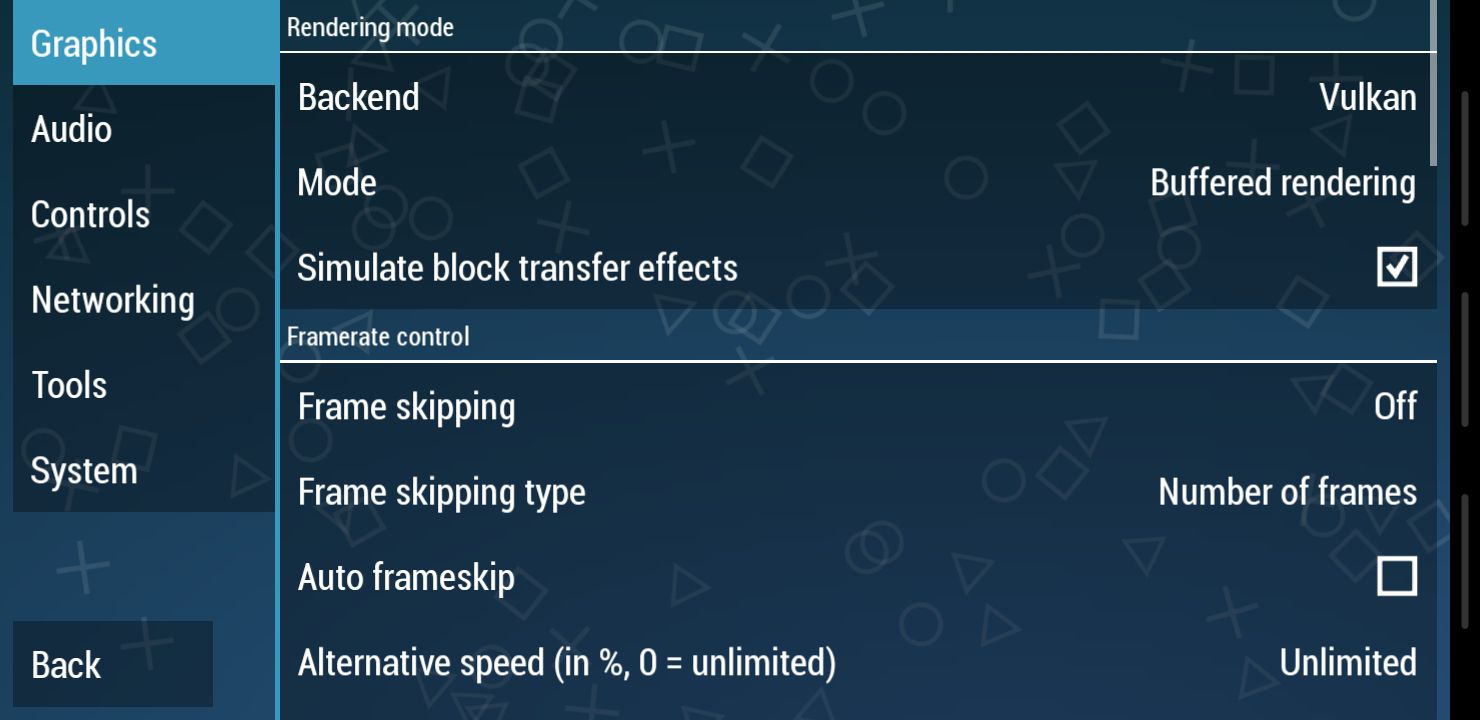
The emulator can run most games smoothly, often achieving high performance even on lower-end hardware. Audio can get choppy at times and framerate drops can occur, but tweaking the built-in graphics and system settings can usually resolve these issues. The main hurdle here is simply that smartphones were never designed for complex physical inputs, so playing can become frustrating when a game requires you to hold several buttons at the same time. Still, the software can't be blamed for touchscreen limitations, and pairing an external Bluetooth gamepad definitely makes the whole experience feel that much more authentic.